Amazon integration
Connecting is an OAuth handshake between your Seller Central account and MarketplaceHub. No password changes hands, nothing is shared with anyone else, and you can take the access back whenever you want.
An Amazon Professional Seller account. Individual accounts don't include Selling Partner API access, so automated listing, inventory and order sync can't work on one — this is an Amazon restriction rather than ours.
You'll also need to be signed in to Seller Central for the marketplace you want to connect. If you sell in several countries, each is authorised separately and can be managed together afterwards.
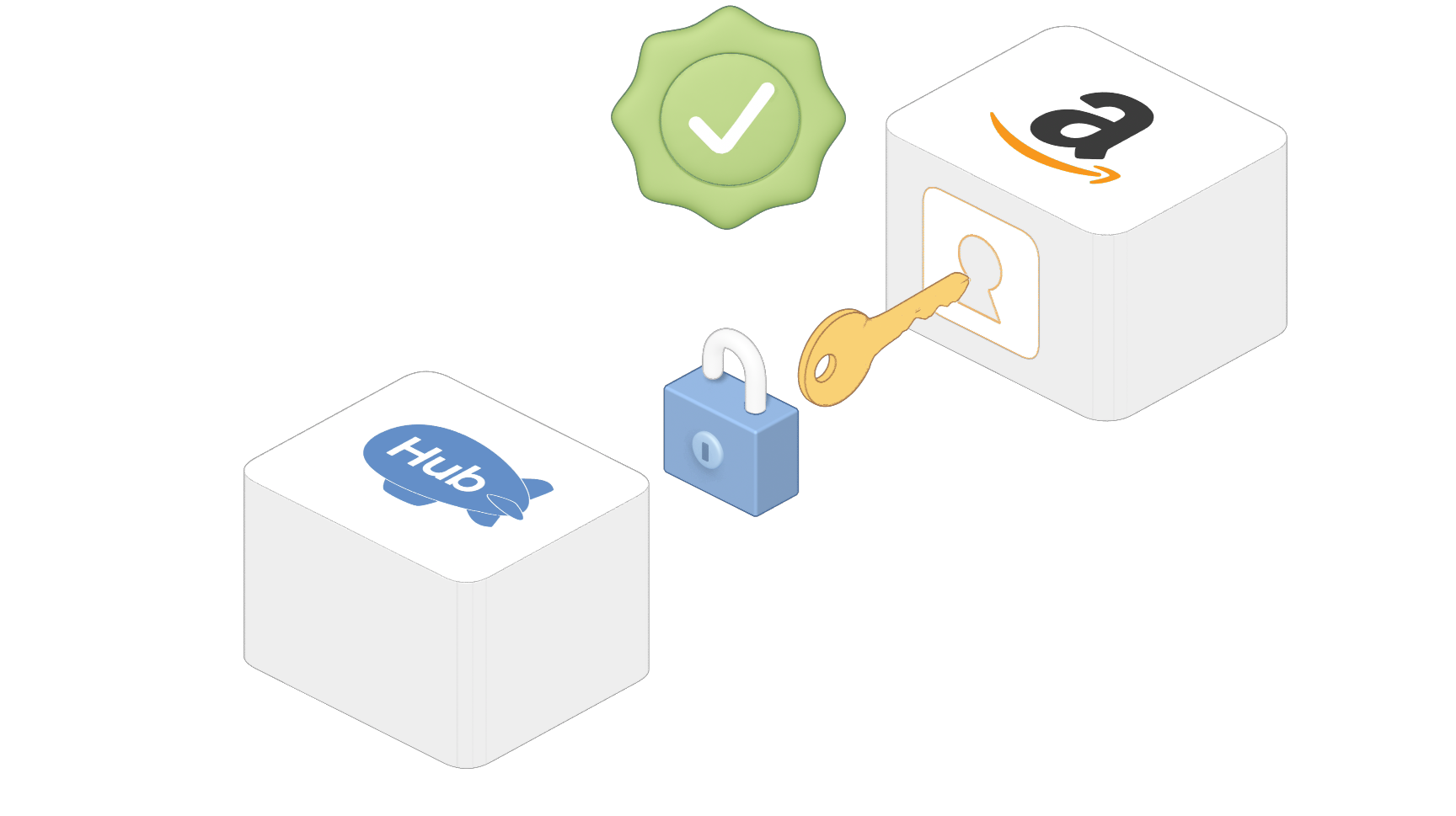
Three steps on Amazon's side, then you're back in MarketplaceHub.
Find MarketplaceHub on the Selling Partner Appstore for your marketplace. We're a verified developer, so the listing is Amazon's own page, not a redirect somewhere else.
Amazon shows you what the app may do before you agree. Approving hands MarketplaceHub a token scoped to that seller account — your password is never involved.
Amazon returns you to MarketplaceHub, the marketplace appears in your dashboard, and its product-type and category data starts importing in the background.
Each area of access maps to something you asked the platform to do.
To create and revise your listings, and to read Amazon's product types and required attributes for the categories you sell in.
To submit stock and price updates as your catalogue changes, and to read the featured-offer pricing that competitor repricing rules use.
To pull your FBM and FBA orders in, and to send shipment confirmations, tracking, refunds and cancellations back.
To collect the outcome of every submission, so a rejected listing comes back to you with Amazon's reason rather than disappearing.
If Amazon starts refusing our calls — a revoked or expired authorisation, most often — the connection is flagged in your dashboard and you're notified, rather than syncs quietly failing.
Re-authorising uses the same appstore flow and restores the existing connection. Your catalogue, mappings and history stay as they were.
Withdraw access from Seller Central at any time, or pause the marketplace in MarketplaceHub if you only want syncing to stop for a while.
Connecting isn't only a token exchange — a fair amount of setup runs on its own once the marketplace appears, so you're not asked to configure things the API can tell us.
Amazon's product types and their required attributes are pulled for the marketplace you connected. This is what later lets AI put a product in the right category and know which fields that category insists on.
It appears on your dashboard with its own state — connected, syncing, or needing attention — so several marketplaces never blur into a single "is it working?" question.
From there it's bringing your catalogue in and mapping it — the Feeds stage — rather than hunting for what to do next.
The four causes that account for nearly all of it, and what each looks like.
The authorisation completes but nothing syncs, because the API access a Professional account carries isn't there. Upgrading in Seller Central and reconnecting resolves it.
Authorising from the appstore of a country you don't sell in connects an account with no listings. Check the flag on the marketplace card against where you actually sell.
Someone revoked the app in Seller Central. Calls start failing immediately, the connection is flagged, and re-authorising restores it without losing anything.
Amazon's grants don't last forever. The symptom is identical to a revocation and so is the fix — run the appstore flow again.
What the authorisation covers and what it doesn't.
No questions in this category.
Connect Amazon, eBay, Shopify and Etsy in minutes. Centralize inventory, automate listings, and let AI handle the busywork — so you can focus on selling more.
Amazon
8 active
 eBay
6 active
eBay
6 active
 Shopify
5 active
Shopify
5 active
 Etsy
3 active
Etsy
3 active